

Description
WPForgeKit Copy Link – One-Click URL Sharing Plugin for WordPress
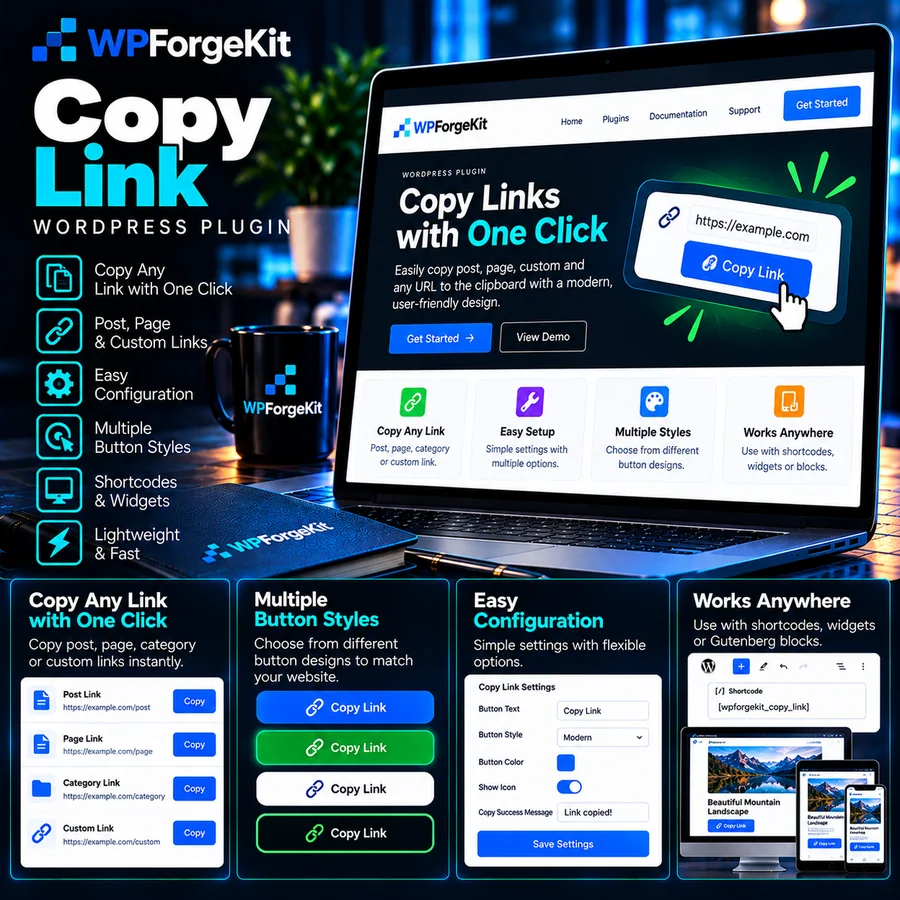
WPForgeKit Copy Link is a lightweight WordPress plugin designed to make sharing blog posts simple and convenient. It automatically adds a Copy Link button beneath individual blog posts, allowing visitors to copy the current page URL with a single click.
Whether you manage a personal blog, business website, educational platform, or technical knowledge base, WPForgeKit Copy Link helps visitors save and share your content without manually selecting URLs from their browser.
🚀 Key Features
- One-Click URL Copying: Copy the current blog post link with one click.
- Automatic Button Placement: Displays a Copy Link button after individual blog post content.
- Instant Copy Confirmation: Changes the button text to “Copied!” when the link is successfully copied.
- Lightweight Design: Uses minimal PHP and JavaScript without requiring an additional frontend framework.
- Easy Installation: Upload, install, and activate the plugin through the WordPress dashboard.
- Theme-Friendly Button: Uses a standard HTML button that can inherit styling from your WordPress theme.
- No External Sharing Service: Copies the link directly using the visitor’s browser.
⚙️ How Does WPForgeKit Copy Link Work?
- A visitor opens an individual WordPress blog post.
- The Copy Link button appears beneath the article content.
- The visitor clicks the button.
- The plugin requests that the browser copy the current page URL to the clipboard.
- After a successful copy, the button displays a confirmation message.
- The visitor can paste the copied link into an email, message, or another application.
💼 Who Can Use This Plugin?
WPForgeKit Copy Link is suitable for many types of WordPress websites, including:
- Personal blogs and online magazines
- Business and corporate websites
- Educational websites and online tutorials
- Technical documentation and knowledge bases
- News and article websites
- Portfolio blogs and content creators
- WordPress websites publishing regular blog posts
✨ Why Choose WPForgeKit Copy Link?
Simple User Experience: Visitors can copy article links without manually selecting the browser address.
Minimal Setup: The current version works automatically after activation, without requiring a separate settings page.
Lightweight Functionality: Designed to perform one useful task without adding a complex interface.
Convenient Sharing: Makes it easier for visitors to share your articles through their preferred communication applications.
📦 What’s Included in Your Download?
- WPForgeKit Copy Link WordPress plugin ZIP package
- Version 1.0.0 initial beta release
- Basic installation instructions
- Product documentation and setup guidance
- Digital delivery through WooCommerce after purchase
🛠️ Installation Instructions
- Complete your purchase and download the plugin ZIP package.
- Log in to your WordPress administrator dashboard.
- Navigate to Plugins → Add New → Upload Plugin.
- Click Choose File and select the downloaded ZIP package.
- Click Install Now.
- After installation, click Activate Plugin.
- Open an individual blog post and check the Copy Link button beneath the content.
🔧 Configuration and Usage
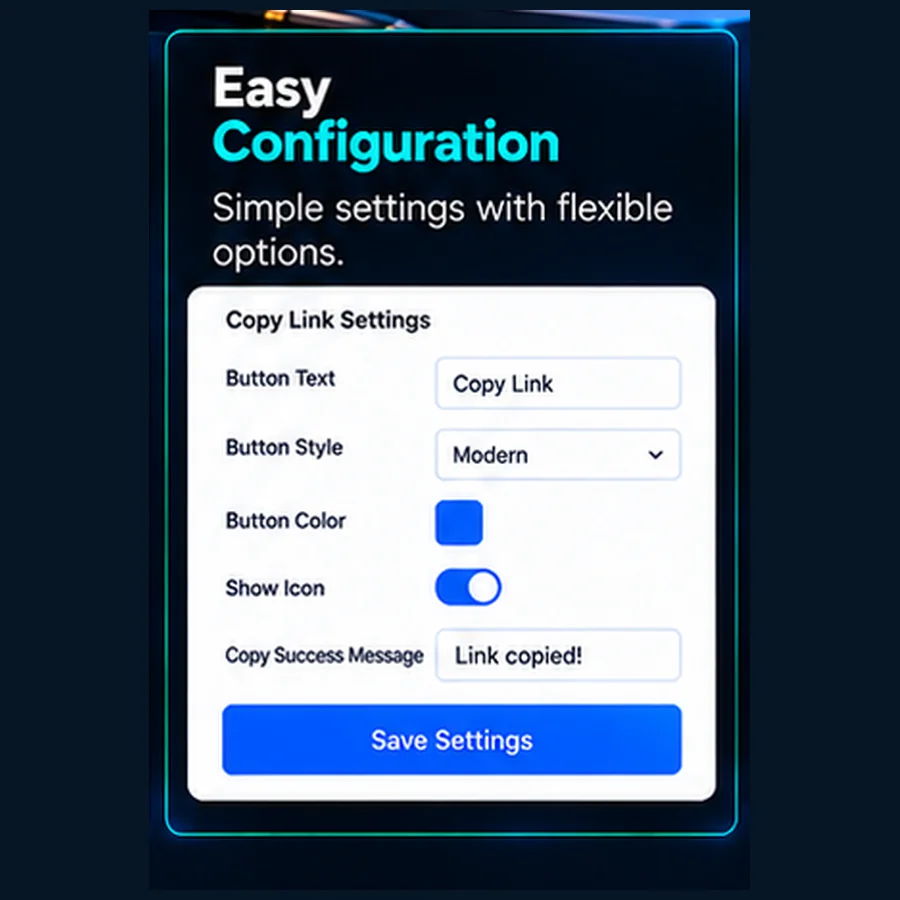
WPForgeKit Copy Link v1.0.0 does not require manual configuration. Once activated, the plugin automatically adds the Copy Link button after individual WordPress blog posts.
The current beta version does not include a dedicated settings panel, custom button-position controls, or advanced styling options. Button appearance may depend on the active WordPress theme.
📋 Technical Specifications
| Product Name | WPForgeKit Copy Link |
|---|---|
| Developer | WPForgeKit |
| Product Type | WordPress Plugin |
| Version | 1.0.0 Beta |
| File Format | Installable ZIP Package |
| Delivery Method | Digital Download |
| Primary Function | One-click blog post URL copying |
| Supported Content | Individual WordPress blog posts |
| WordPress Compatibility | Live verification pending |
| Browser Requirement | Clipboard API support and appropriate browser permissions |
| HTTPS | Recommended and generally required for Clipboard API access |
| Separate Settings Panel | Not included in v1.0.0 |
| License Key Activation | Not included in this build |
| Automatic Plugin Updates | Not included in this build |
| Release Status | Beta / Unverified |
🔒 Browser Compatibility and Limitations
The Copy Link feature uses the browser’s Clipboard API. Clipboard access generally requires a secure HTTPS connection and may depend on browser permissions or security restrictions.
The current version is designed for standard individual WordPress blog posts. Custom post types, advanced button positioning, analytics, and automatic updates are not included.
📖 Documentation and Installation Guide
For installation instructions and additional product information, visit the official documentation page:
View WPForgeKit Copy Link Documentation →
🧪 Version Information and Release Status
Current Version: 1.0.0
Release Type: Initial Beta Development Build
Compatibility Testing: Pending live WordPress verification
Important: This is an initial development release. License key activation and Lifetime updates are included; automatic update delivery is not guaranteed. Test the plugin on a staging website before using it for critical production workflows.
🛒 Digital Product Delivery
WPForgeKit Copy Link is delivered as a downloadable WordPress plugin ZIP package. No physical product will be shipped.
After successful payment, customers can access their downloadable files through the WooCommerce order download area, subject to the store’s download settings.
💬 Support and Assistance
For product questions and installation assistance, contact our support team.
Email: support@wpforgekit.com
Official Website: www.wpforgekit.com
⭐ Make Blog Post Sharing Easier
Give your WordPress visitors a convenient way to copy and share article URLs. WPForgeKit Copy Link offers a straightforward solution for websites that want simple link-copying functionality without a complicated setup process.
Download WPForgeKit Copy Link v1.0.0 and test its functionality on your WordPress website today.
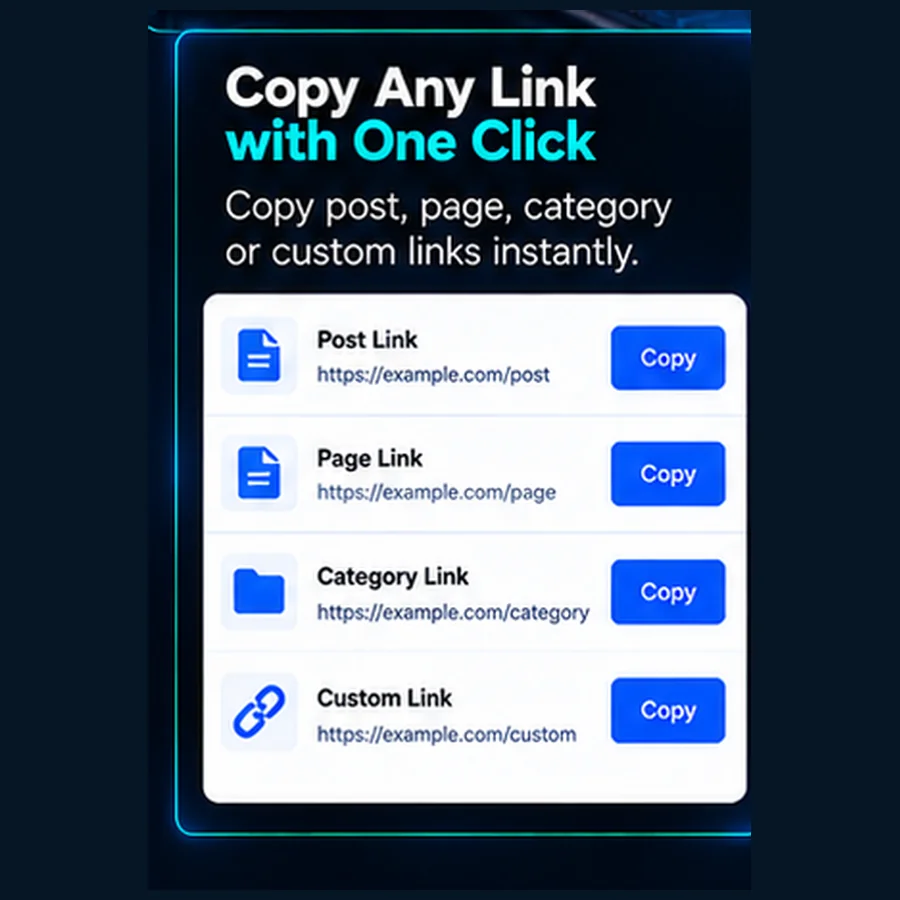
Product gallery images are illustrative marketing concepts and are not verified screenshots of the plugin.
Version: 1.0.0 · Edition: Pro · Format: ZIP download · License: Unlimited for one website · Updates: Lifetime
WPForgeKit Support
Email: support@wpforgekit.com
WhatsApp: +94 76 769 8988


Reviews
There are no reviews yet.