

Description
WPForgeKit Reading Progress
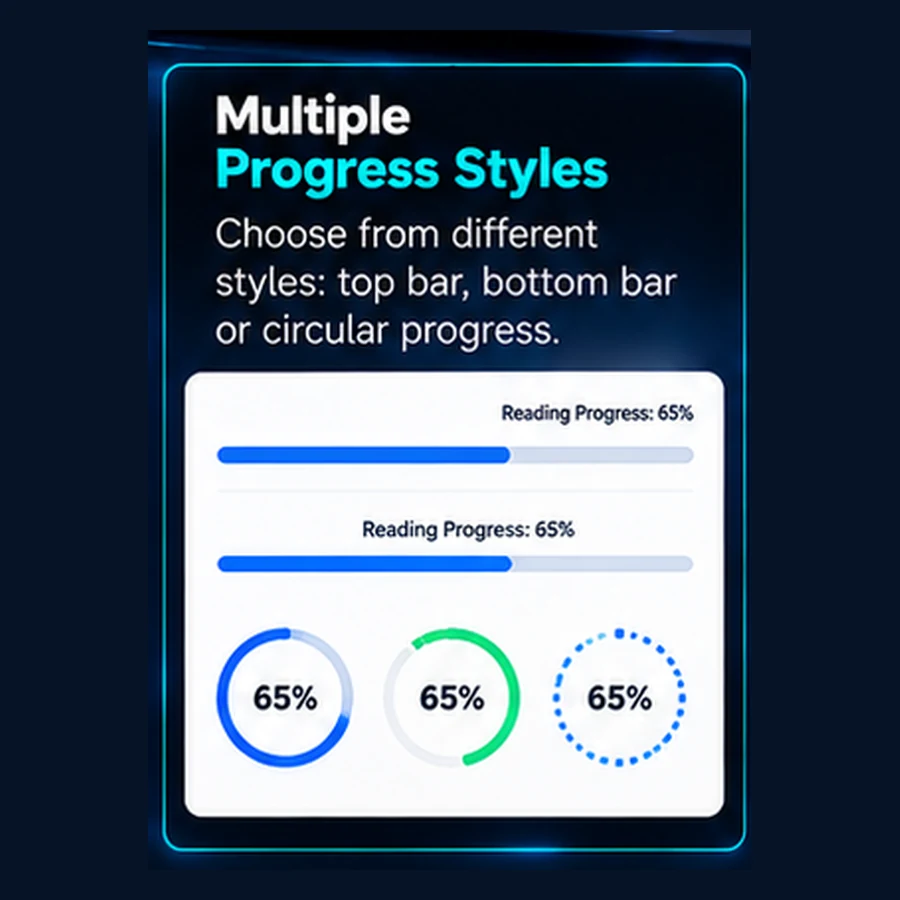
Show a reading-progress indicator while visitors read individual blog posts.
Overview
WPForgeKit Reading Progress is a paid WordPress plugin designed to show a reading-progress indicator while visitors read individual blog posts. It is offered as a downloadable starter release for WordPress site owners and developers.
Product Highlights
- Focused purpose: Show a reading-progress indicator while visitors read individual blog posts.
- Standard WordPress installation: Install using the WordPress dashboard.
- Digital package: Downloadable ZIP with basic setup guidance.
- Development-oriented: Suitable for testing and further configuration, subject to actual package capabilities.
Who Is It For?
WordPress website owners, developers and content teams exploring reading progress functionality. Review the beta limitations before using this release for a business-critical website.
Included With Your Purchase
- Installable WPForgeKit plugin ZIP package.
- Version 1.0.0 release information and basic installation guidance.
- Online documentation where available.
Installation & Setup
- Complete your purchase and download the plugin ZIP from your WPForgeKit order or account.
- In WordPress Admin, open Plugins > Add New Plugin > Upload Plugin.
- Choose the downloaded ZIP and select Install Now.
- Activate the plugin and review its available settings.
- Test the expected behavior on a staging website before production use.
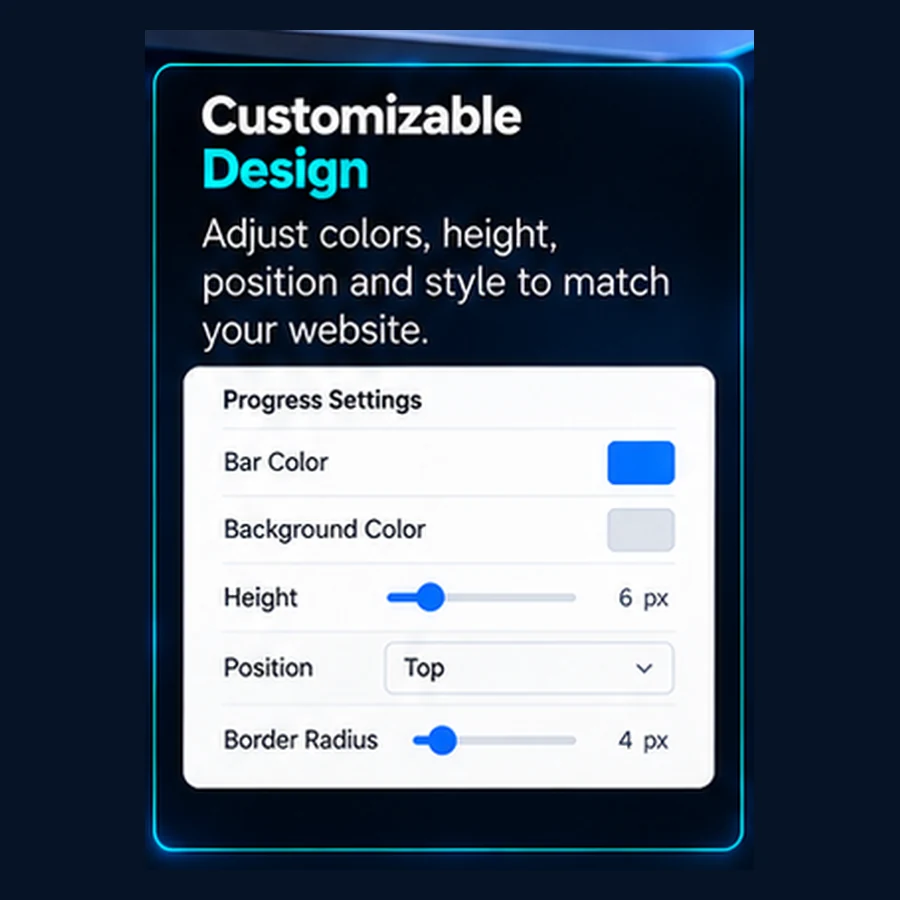
For specific setup options, consult the product documentation. Available controls vary by release.
Product Information
| Product | WPForgeKit Reading Progress |
|---|---|
| Release | 1.0.0 |
| Package | Installable WordPress plugin ZIP |
| Delivery | Digital download after eligible order confirmation |
Documentation
View Installation Documentation
WPForgeKit Support
Email: support@wpforgekit.com
WhatsApp: +94 76 769 8988
Important Beta Release Information
Version 1.0.0 is an initial beta/development release. Live compatibility testing is pending. License: unlimited duration for one website. Lifetime updates are included; automatic update delivery is not guaranteed. Advanced capabilities are not guaranteed unless explicitly documented and verified. Promotional gallery images may be illustrative concepts rather than actual software screenshots. Back up your site and test before production use.
Digital product only. No physical shipment, hosting, or custom development service is included.
Version: 1.0.0 · Edition: Pro · Format: ZIP download · License: Unlimited for one website · Updates: Lifetime


Reviews
There are no reviews yet.